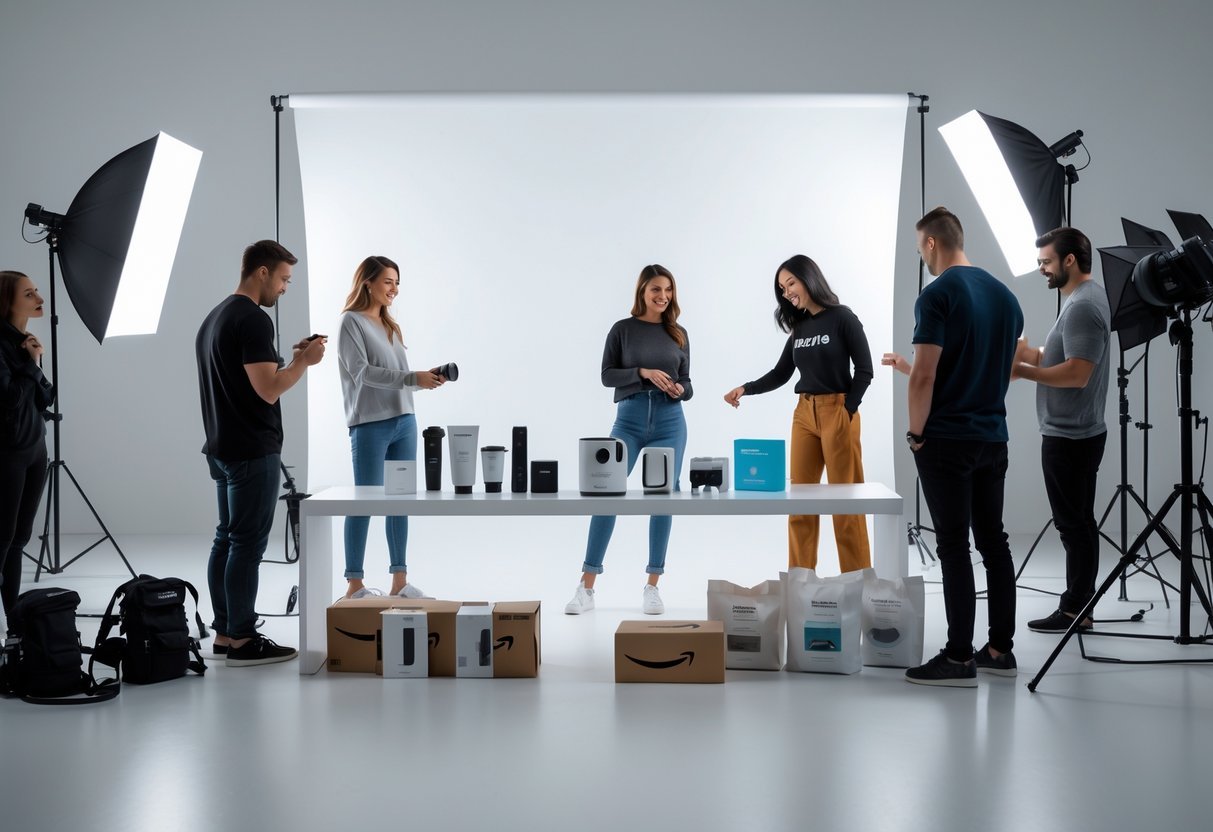
On Amazon, your product images do the heavy lifting of sales conversion. It makes Amazon product photography more important. Because buyers cannot physically touch or inspect your product, high-resolution photography is the single most important factor determining your Click-Through Rate (CTR) and Conversion Rate (CR).
To succeed on Amazon, your listing needs a strategic mix of hero images, infographics, and lifestyle shots that satisfy Amazon’s strict technical requirements while answering buyer questions at a glance. This guide details Amazon’s image specifications, DIY camera setups, professional studio packages, and listing optimization strategies.
Key Takeaways: Amazon Product Photography
- The 7-Slot Rule: While Seller Central allows up to 9 uploads, only the first 7 slots display directly on the product detail page without requiring buyers to open a secondary gallery.
- Main Image Compliance: Main images must feature a pure white background (Hex
#FFFFFF), contain no props or text, and fill at least 85% of the frame. - sRGB Color Standard: Always export files in the sRGB color profile to prevent color distortion on mobile screens.
- High-Def Zoom Threshold: Use images sized at 1600 × 1600 pixels or larger to enable Amazon’s high-definition hover zoom feature.
1. Amazon Product Image Technical Requirements
Amazon enforces strict technical standards for uploaded assets. Non-compliant images—especially main images—can lead to automated listing suppression.
                   [ Amazon Image Export Checklist ]
                                   |
      +----------------------------+----------------------------+
      |                                                         |
[ Technical Specs ]                                    [ Main Image Standards ]
  - Pixel Dimensions: 1600px - 2000px (1:1 Ratio)       - Pure White Background (#FFFFFF)
  - Color Profile: sRGB                                 - Fill 85% to 90% of Canvas Frame
  - Preferred Format: JPEG (.jpg)                       - NO Watermarks, Text, or Extra Props
Technical Specifications Matrix
| Technical Metric | Amazon Minimum Requirement | Industry Best Practice (Recommended) |
|---|---|---|
| Dimensions | 1000 pixels on longest side | 2000 × 2000 pixels (1:1 Square Ratio) |
| Zoom Activation | 1000 pixels | 1600 pixels or higher for crisp HD zoom |
| File Format | JPEG, PNG, TIFF | JPEG (.jpg) for faster load times |
| Color Profile | sRGB or CMYK | sRGB (Standard for web/mobile displays) |
| Frame Coverage | 85% minimum | 85% to 90% of the total canvas area |
Important Policy Note: While Amazon’s documentation lists static GIFs as a supported file type, Amazon’s upload processing algorithms frequently reject or convert
.giffiles. Always export your final listing images as JPEG (.jpg).
2. Structuring Your 7-Slot Image Strategy
To maximize conversion rates, treat your product gallery as a visual sales funnel. Focus your visual assets on the 7 visible gallery slots:
Visual Sales Funnel Architecture:
Slot 1: Main Image (Hero Shot) -------> Drives Search Clicks (CTR)
Slots 2–4: Infographics & Specs -------> Answers Key Technical Questions
Slots 5–6: Lifestyle Context --------> Builds Emotional Connection & Scale
Slot 7: Product Video / 360 Spin ------> Closes the Sale (Conversion)
Slot 1: Main Image (Hero Shot)
- Goal: Capture attention in search results and drive clicks.
- Requirements: Pure white background (RGB 255,255,255), full product visibility, no packaging (unless the box is an integral part of the product), and zero graphics, logos, or watermarks.
Slots 2–4: Feature & Infographic Images
- Goal: Communicate technical specs, dimensions, and unique selling points quickly for mobile shoppers.
- Tactics: Use callout text, benefit icons, close-up crop inserts, and material breakdowns. Keep text concise (3 to 5 bullet points per graphic).
Slots 5–6: Lifestyle & Context Images
- Goal: Build trust and demonstrate scale by showing the product in real-world use.
- Tactics: Show models interacting with the item in its intended environment (e.g., kitchenware on a counter, yoga gear in a gym). Ensure props do not overpower the main product.
Slot 7: Product Video or 360-Degree Spin
- Goal: Overcome final buyer hesitation and reduce return rates.
- Tactics: Upload a 30-to-60-second product demonstration video highlighting assembly, unboxing, or key features in action.
3. DIY Amazon Photography: Equipment & Setup
You can capture high-quality product images at home by controlling lighting, camera stability, and backgrounds.
                       [ DIY Lighting Setup ]
                                  |
              [ Back Wall / Seamless White Sweep ]
                                  |
                           [ Subject Item ]
                                  |
     ( Light A: 45° Angle )               ( Light B: 45° Angle )
                                  |
                        [ Tripod & Camera ]
Essential DIY Gear Checklist
- Camera / Smartphone: A DSLR or mirrorless camera with a 50mm prime lens provides crisp detail. Modern smartphones in “Pro/Manual Mode” also work well.
- Tripod: Essential for maintaining consistent framing and eliminating motion blur in low-light setups.
- Lighting Kit: Two softbox lights positioned at 45∘ angles relative to the product eliminate harsh shadows.
- Seamless Background / Lightbox: Use a tabletop lightbox for small goods, or a white poster board sweep for mid-sized items.
4. Professional Photography Services & Package Comparison
For complex products—such as items with reflective surfaces, transparent glass, or intricate lifestyle requirements—hiring a specialized studio can deliver a strong return on investment.
Service Package Comparison Matrix
| Package Tier | Typical Asset Breakdown | Best Used For |
|---|---|---|
| Essential / Starter | 5 Studio Shots (White Background + 1 Stock Composite) | Simple commodities or budget launches. |
| Growth / Standard | 7 Images (White Background + Infographics + Studio Lifestyle) | Competitive niches requiring full listing optimization. |
| Premium / Full Suite | 7 Images + 360 Spin + Short Product Video | High-ticket items, complex tech, or premium brand launches. |
Studio Workflow Tip: When hiring a studio, prepare a detailed Shot List specifying target angles, key features to highlight, and exact dimensions to display on infographics. Send extra product samples in case of shipping damage during transit.
5. Performance Tracking and Image Optimization
Managing your listing visuals is an ongoing process. Use data tools to verify that your images are driving sales.
- Split Testing (A/B Testing): Use tools like Amazon Manage Your Experiments or Jungle Scout to test two different Main Images. Measure which hero image yields a higher Click-Through Rate over a 2- to 4-week testing window.
- Mobile-First Audits: Review your listing gallery on a smartphone screen. Ensure that text on infographic images remains legible at smaller screen dimensions.
- Analyzing Return Data: If customer reviews indicate confusion regarding item size, color, or material, update your secondary images with clear dimensional callouts or unedited color-accurate photos.
Frequently Asked Questions (FAQ)
What is the exact RGB code for Amazon’s pure white background?
The pure white background required for main images must be RGB 255,255,255 (Hex code #FFFFFF).
How many images should I upload to my Amazon listing?
Optimize your gallery for 7 total slots (or 6 images plus 1 video). While Seller Central allows up to 9 slots, only the first 7 display directly on the main product detail page layout without requiring the buyer to open the full image drawer.
Can I use 3D renders or illustrations as my main image?
No. Amazon guidelines explicitly require the main image to be an actual photograph of the physical product being sold. Renders, vector illustrations, or drawings are not allowed for the main hero shot.
Why do my product image colors look washed out after uploading?
This typically occurs when images are saved in the Adobe RGB or ProPhoto RGB color space. Always convert and export your image files using the sRGB color profile to ensure accurate color display across all web and mobile browsers.
Glossary: Key Terms for Amazon Photoshoots
- Amazon Photoshoot – The process of photographing products specifically for Amazon listings, following Amazon’s guidelines.
- Main Image – The primary product photo on a listing, required to have a pure white background and meet Amazon’s standards.
- Lifestyle Image – A photo showing the product in use in a real-world context to help customers visualize ownership.
- Infographic Image – A product image with added graphics or text to highlight features, benefits, or comparisons.
- White Background – A pure white (#FFFFFF) background required for main product images on Amazon.
- Resolution – The number of pixels in an image; Amazon requires at least 1000 pixels on the longest side.
- Aspect Ratio – The proportional relationship between the width and height of an image, commonly 1:1 (square) for Amazon.
- JPEG – A commonly used image file format recommended by Amazon for product photos due to its balance of quality and file size.
- TIFF – An image file format accepted by Amazon, often used for high-quality, lossless images.
- PNG – A file format accepted by Amazon, suitable for high-quality images with transparency.
- GIF – An accepted image format on Amazon, but only static (non-animated) images are allowed.
- Clipping – The process of removing the background from an image, often to achieve a pure white background.
- Tripod – A three-legged stand used to stabilize a camera or smartphone during photography.
- Lightbox – An enclosure with diffused lighting used to create evenly lit product photos with a seamless background.
- Softbox – A lighting device that diffuses light to reduce harsh shadows in product photography.
- Reflector – A tool used to bounce light onto a subject, reducing shadows and improving image clarity.
- SKU – Stock Keeping Unit; a unique identifier for each product or variation in a seller’s inventory.
- Zoom Function – Amazon’s feature that allows customers to enlarge product images for closer inspection, enabled by high-resolution images.
- Suppressed Listing – A product listing removed from search results due to non-compliance with Amazon’s image or content requirements.
- Props – Items used in product photography to create context or demonstrate use, allowed in lifestyle images but restricted in main images.