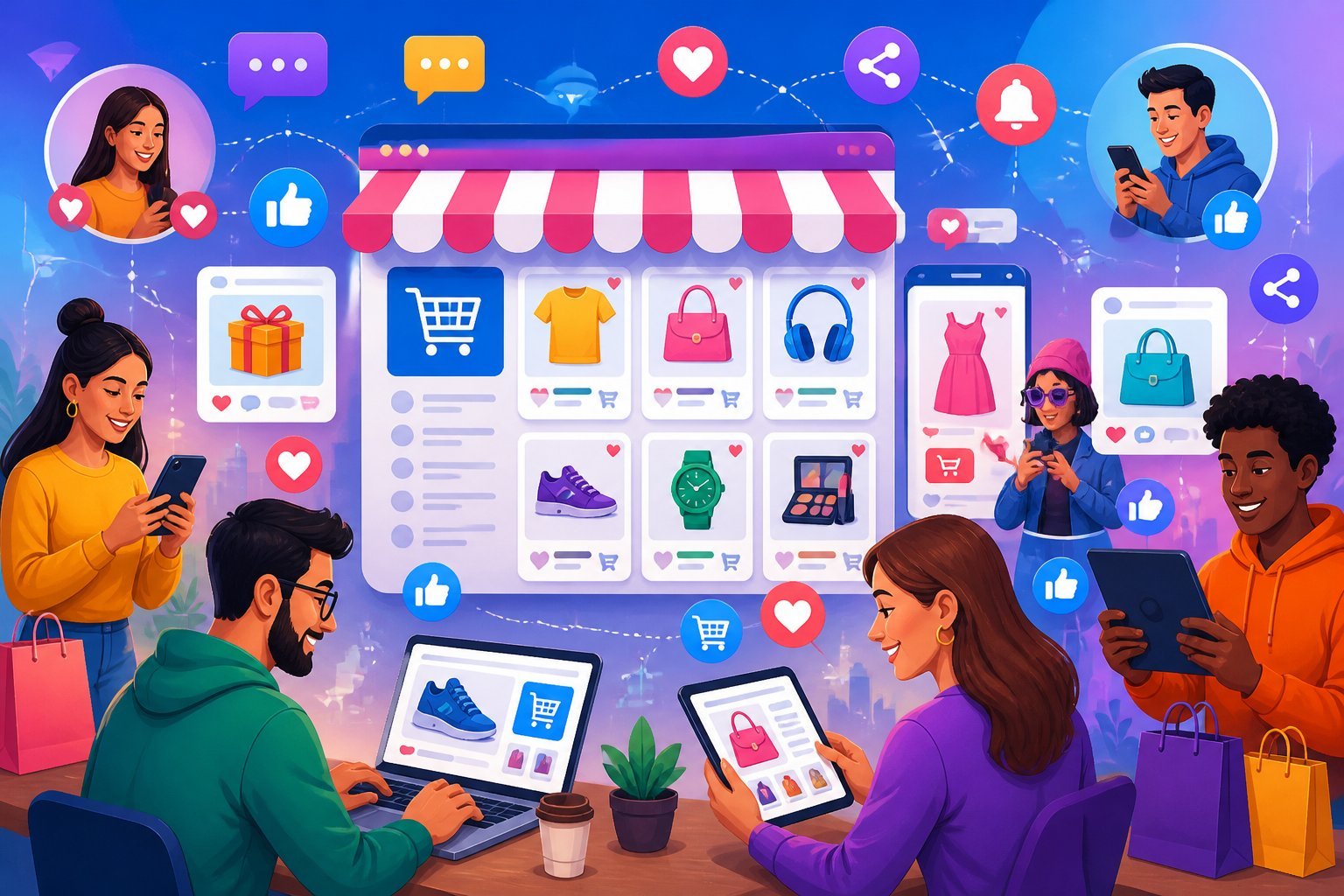
Learn to promote eBay store on social media. In the competitive e-commerce landscape of 2026, relying solely on organic eBay search traffic isn’t enough to maximize your store’s earning potential. While eBay’s native search algorithm (Cassini) brings millions of buyers to the platform daily, driving your own targeted external traffic gives you a distinct edge over competitors.
By actively promoting your eBay store on social media, you diversify your traffic sources, build a recognizable brand, create a community of repeat buyers, and signal to Cassini that your listings are in high demand—which can indirectly boost your native search rankings on eBay.
This comprehensive guide walks through everything you need to know about using social media to drive high-converting traffic to your eBay store in 2026, from technical setup and platform-specific strategies to content creation and advanced analytics.
Key Takeaways
- Universal Access: eBay’s Seller Hub Social portal is available to all sellers—a paid eBay Store subscription is no longer required.
- Five Integrated Platforms: Connect your eBay account directly to Facebook, Instagram, Pinterest, TikTok, and YouTube from a single dashboard.
- Built-in Post Scheduling: Schedule social content days or weeks in advance natively within Seller Hub.
- Direct Mobile Conversion: Use Instagram Link Stickers, TikTok bio links, and YouTube Shorts descriptions to seamlessly route mobile users directly to your eBay checkout.
- Algorithmic Boost: External social traffic that converts into sales raises your listing’s sell-through rate, directly improving your placement in eBay’s Best Match search results.
Promote eBay Store on Social Media
1. Setting Up eBay Seller Hub Social
Managing multiple social media accounts can quickly become overwhelming. eBay’s built-in Social tool simplifies this process by serving as a centralized control panel for your multi-channel marketing campaigns.
Seller Hub Navigation Flow:
Seller Hub Marketing Tab $\rightarrow$ Social Page $\rightarrow$ Connected Channels (Facebook, Instagram, Pinterest, TikTok, YouTube) & Scheduler
How to Access and Connect Your Accounts
- Log into your eBay Seller Hub.
- Hover over the Marketing tab at the top of the dashboard and select Social from the dropdown menu.
- Click Connect Account next to the platform you want to link.
- Follow the OAuth prompt to log into your social media account and grant eBay publishing permissions.
Supported Platforms & Prerequisites
- Facebook: Requires a dedicated Facebook Business Page (not a personal profile).
- Instagram: Requires an Instagram Professional/Business Account connected to your Facebook Business Page.
- Pinterest: Works best with a Pinterest Business Account to unlock analytics and rich pin formatting.
- TikTok: Requires a TikTok Business Account to enable bio link routing and automated publishing.
- YouTube: Connects via your official Google/YouTube Channel account.
2. Platform-Specific Promotion Strategies
Not all social media platforms cater to the same buyer demographics or product types. Matching your inventory to the right platform is critical for maximizing your click-through rate (CTR) and sales conversion.

A. Facebook: Community Building & Niche Groups
Facebook remains a powerhouse for targeting specific demographics, collectors, and hobbyists.
- Facebook Business Page: Treat your page as an extension of your eBay store. Upload a crisp logo (300 × 300 pixels), a cover photo (1280 × 290 pixels), and fill out the “About” section with a clear link to your eBay storefront.
- Niche Community Engagement: Join buy/sell/trade groups related to your selling niche (e.g., vintage clothing, sports cards, auto parts). Participate in discussions naturally—never spam raw product links. Share knowledge, and direct interested buyers to your page or store link when appropriate.
- Facebook Live Events: Host live virtual unboxings, estate sale walkthroughs, or Q&A sessions. Live videos drive high engagement and allow you to showcase item details, condition, and functionality in real time.
B. Instagram: High-Visual Merchandising & Stories
Instagram is built for high-quality product photography and short-form visual storytelling.
- Feed Carousels: Use carousel posts (up to 10 photos/videos) to highlight every angle of an item. Detail photos of brand tags, serial numbers, or vintage wear build trust before a buyer clicks through.
- Instagram Stories + Link Stickers: Post daily Stories showing new arrivals, packaging orders, or limited-time sales. Use Link Stickers on every story to give viewers a one-tap route directly to your eBay listing.
- Reels for Product Demonstrations: Create 15-to-30-second vertical videos demonstrating products in action, showing before-and-after restorations, or doing quick “outfit of the day” styling clips with vintage apparel.
C. TikTok & YouTube Shorts: Short-Form Video Dominance
In 2026, algorithm-driven short vertical video is the fastest way to reach new potential buyers without an existing follower base.
- Behind-the-Scenes (BTS) Content: Show the “reseller hustle.” Videos showing estate sale hauls, inventory sorting, or order-packing sessions rack up millions of views from e-commerce enthusiasts and buyers alike.
- Educational & Identification Clips: Teach your audience how to spot authentic vs. fake items, identify rare vintage tags, or evaluate collectible conditions. Positions you as an expert in your niche, making buyers feel confident ordering from your eBay store.
- Call to Action (CTA): Include a clear CTA in every video caption and verbal script: “Link in bio to shop this exact item on my eBay store!”
D. Pinterest: Long-Term Organic Search Traffic
Unlike other platforms where posts disappear after 24–48 hours, Pins are search-indexed and can drive targeted traffic to your eBay listings for months or years.
- Theme-Based Boards: Organize your account into clear, keyword-rich boards (e.g., “Mid-Century Modern Decor,” “Refurbished Power Tools,” “Retro Video Games”).
- Rich Pins & Product Descriptions: When pinning an eBay listing, include a detailed, search-optimized description with natural keywords, item specifics, and price points.
3. Content Creation Matrix & Optimal Posting Schedules
To keep your audience engaged without burning out, use a balanced content strategy. A proven approach is the 4-1-1 Rule: for every 6 posts, 4 should entertain/educate, 1 should be soft promotional, and 1 should be a direct sales call.
| Platform | Recommended Post Frequency | Best Content Formats | Primary Buyer Action |
| 1 Feed Post / 3–5 Stories Daily | Reels, Carousels, Link Sticker Stories | Direct Listing Clicks | |
| TikTok | 1–2 Videos Daily | Vertical Shorts, Unboxings, BTS | Store Bio Link Visits |
| 1 Post Daily | Photo Albums, Live Video, Group Posts | Page Likes & Direct Messaging | |
| 3–5 Pins Daily | Vertical Product Images, Infographics | Long-Term External Web Traffic | |
| YouTube | 2–3 Shorts Weekly | Unboxings, In-Depth Product Reviews | Channel Subscriptions & Store Links |
4. Advanced Analytics & ROI Tracking
Posting content is only half the battle. You must track your data to see which platforms, post types, and posting times generate actual sales rather than vanity likes.
Key Metrics to Monitor in Seller Hub
Navigate to Seller Hub > Marketing > Social to access built-in analytics:
- Social Impressions: Total number of times your posts were viewed across connected channels.
- Social Clicks: The exact count of users who clicked the listing link inside your social post.
- Click-Through Rate (CTR): (Social Clicks ÷ Social Impressions) × 100
- Conversion Rate: The percentage of social-referred visitors who complete a purchase on eBay.
Social Conversion Funnel:
High Social Reach $\rightarrow$ Engaging Video/Photo $\rightarrow$ Link Click (CTR) $\rightarrow$ eBay Checkout (Sale)
Strategic Troubleshooting
- High Reach, Low Clicks: Your video/image is entertaining, but your Call to Action (CTA) or link placement is unclear. Remind users where to find the link.
- High Clicks, Low Sales: Buyers are interested in the product, but something on your eBay listing is stopping them from buying. Check if your eBay price is too high compared to market sold comps, if your shipping fees are unreasonable, or if your description lacks measurements/details.
5. Paid Social Ads vs. Promoted Listings
Combining eBay’s internal advertising tools with targeted external social media ads creates a powerful sales engine.
Meta Ads (Facebook & Instagram)
- Custom Audiences: Set up targeted Meta ad campaigns focusing on specific demographic interests, hobbies, or geographic locations.
- Retargeting Campaigns: Use social ads to re-engage users who previously visited your Facebook Business Page or interacted with your Instagram posts.
Synergizing with eBay Promoted Listings
When you drive external social traffic to an item enrolled in Promoted Listings Standard, the influx of traffic and initial sales signals high demand to Cassini. This dynamic can boost organic placement in eBay’s Best Match search, leading to a snowball effect of both external and internal views.
Frequently Asked Questions (FAQ)
Is the Seller Hub Social page free for all eBay sellers?
Yes. eBay has made the Social tool available to all sellers using Seller Hub. You do not need a paid monthly eBay Store subscription to access multi-platform publishing and analytics tools.
Can I schedule social media posts directly within eBay?
Yes. The Seller Hub Social interface includes a native scheduling tool that allows you to draft posts, select images, add hashtags, and pick a future date and time for automated publication across your linked accounts.
Does external traffic from social media improve my eBay search rankings?
Yes, indirectly. eBay’s search algorithm (Cassini) rewards listings that demonstrate high conversion rates and sell-through velocity. When social media users click your links and buy your items, Cassini views the listing as highly relevant, which can boost its position in native eBay search results.
Can I automatically cross-list items between eBay and Facebook Marketplace?
No. There is no official native integration between eBay and Facebook Marketplace. You must create listings on Facebook Marketplace manually or use third-party cross-listing tools. When cross-listing, always delete the sold listing immediately on the alternate platform to prevent double-selling.