Getting an eBay account suspended can stop your buying or selling activities without warning. You might log in one day and find you cannot access your listings, make purchases, or complete transactions. This happens to thousands of eBay users each year for various reasons.
eBay always sends an email to your registered address and your eBay Messages explaining why your account was suspended and what steps you need to take to get reinstated. The company does not suspend accounts without providing a reason. Understanding why your account was suspended is the first step to fixing the problem and getting back to normal.
Most suspensions can be resolved if you respond quickly and follow the right steps. Whether your account was suspended for verification issues, policy violations, or other reasons, you have options to appeal and potentially restore your account. This guide will walk you through what to do when you face a suspension and how to protect your account going forward.
Key Takeaways
- Check your eBay Messages immediately to find the official suspension notice that explains why your account was restricted
- Follow the specific reinstatement steps outlined in your suspension email, which may include verifying your identity or providing bank account information
- Prevent future suspensions by following eBay policies, maintaining good buyer and seller practices, and keeping your account information up to date
Common Causes of Account Suspension on eBay
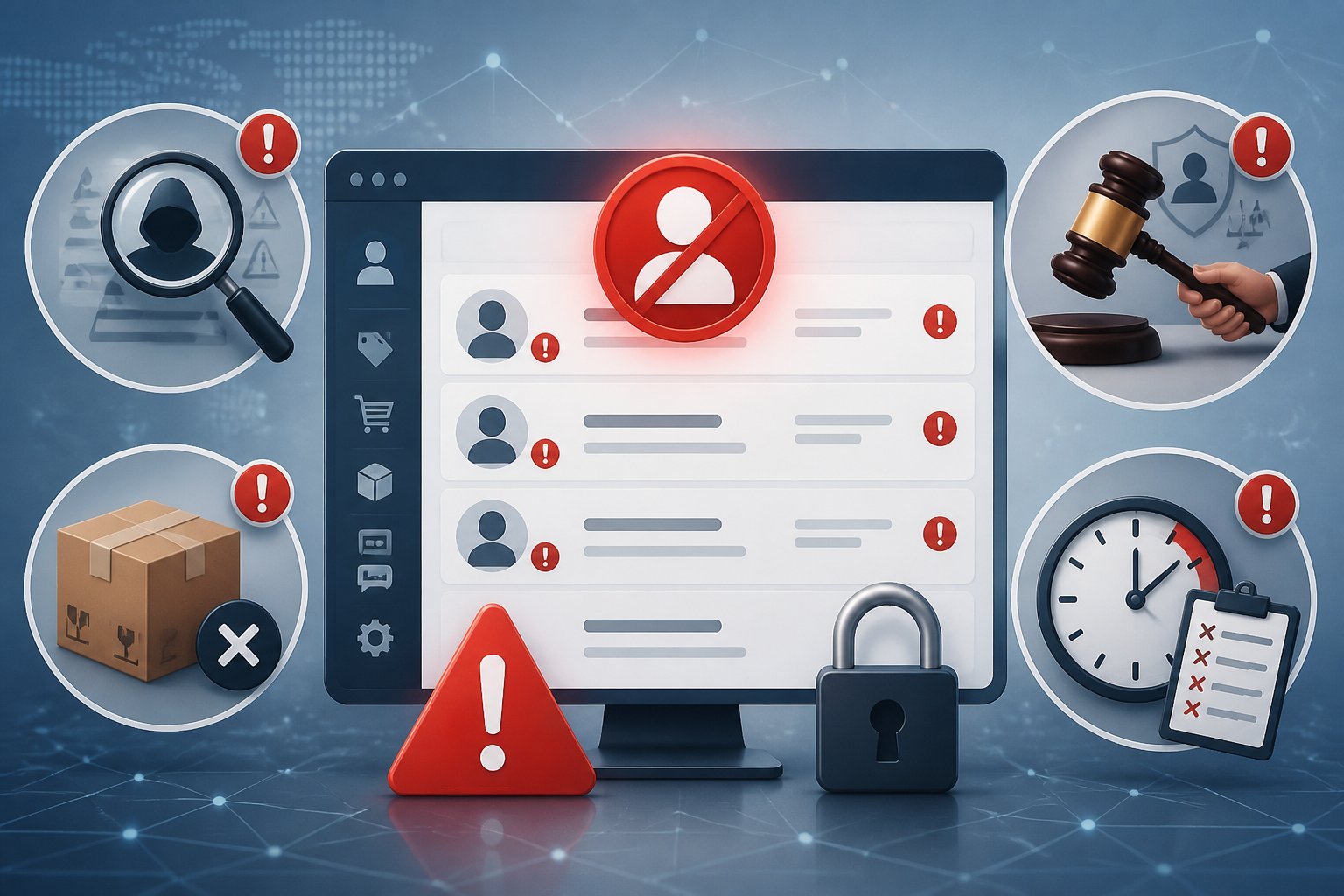
eBay suspends accounts for several specific reasons that range from unpaid fees to security breaches. Understanding these triggers helps you avoid restrictions and respond quickly if your account gets flagged.
Unpaid Selling Fees and Payout Issues
Outstanding selling costs are one of the most common reasons for account restrictions. When you owe eBay money for listing fees, final value fees, or other charges, the platform may limit your account until you settle the balance.
eBay may also suspend your account if you need to reimburse them for a refund they issued to your buyer on your behalf. This happens when a buyer files a claim and eBay steps in to cover the refund amount.
You can check your outstanding balance by going to your Seller Hub and reviewing your account statements. eBay typically sends warnings through eBay Messages before implementing a temporary restriction. Paying your balance promptly usually lifts the suspension within 24 to 48 hours.
Policy Violations and Restriction Codes
A policy violation occurs when you break eBay’s selling rules or community standards. Common triggers include selling prohibited items, listing counterfeit goods, or manipulating feedback.
eBay uses specific codes to identify different suspension types. The MC999 code is a general suspension notice that requires you to check your messages for details. Other codes target specific violations like intellectual property infringement or buyer safety concerns.
Creating multiple accounts to bypass restrictions or having connections to previously suspended accounts also leads to immediate action. eBay tracks device fingerprints, IP addresses, and payment methods to identify linked accounts.
Unresolved Buyer Issues and Tracking Requirements
You must resolve buyer complaints and upload tracking information within eBay’s required timeframes. Failing to address a buyer’s issue or missing tracking data triggers account holds.
eBay expects you to respond to buyer messages within 48 hours and ship items with valid tracking numbers. Items over $750 require signature confirmation at delivery.
When buyers open cases for items not received or not as described, you have limited time to respond. Ignoring these cases or letting them escalate without action damages your seller performance metrics and can result in your ebay account suspended.
Account Security Concerns and Hacked Accounts
eBay restricts accounts when they detect unauthorized access or suspicious activity. A hacked account poses risks to both you and buyers, so the platform acts quickly to prevent fraud.
eBay occasionally asks you to verify yourself to block unauthorized users from accessing the site. This verification helps protect your account from third-party access attempts.
Signs of a compromised account include listings you didn’t create, messages you didn’t send, or login attempts from unfamiliar locations. If eBay suspects your account security is compromised, they may place a hold until you verify your identity and change your password.
Immediate Actions to Take After Suspension

When your eBay account gets suspended, you need to act quickly but carefully. Check that the suspension notice is real, locate the official details in your account, and identify exactly what caused the problem.
Verifying Suspension Notices and Avoiding Phishing
You should always watch out for fake emails about account restrictions. Scammers send phishing messages that look like official eBay notices.
To confirm an email came from eBay, check your eBay Messages in your account. If you cannot find a copy of the email there, it was not from eBay. Real suspension notices always appear in your official message center.
Never click links in suspicious emails or provide your password through email. eBay will never ask you to verify your account through an email link. If you receive a notice about suspension, log into your eBay account directly by typing the URL into your browser.
Phishing emails often create urgency or threaten permanent account loss. Take time to verify before responding. A real suspension will be documented in your account dashboard and eBay Messages.
Reviewing eBay Messages for Suspension Details
Log into your eBay account and go to your Messages section. eBay will send you an email detailing the suspension reason and necessary steps to fix it.
Your official eBay Messages contain specific information about your suspension. Look for messages from eBay that explain what happened and what you need to do. The message will include whether this is a temporary restriction or a more serious suspension.
What happens during your restriction depends on the reason. You may not be able to bid, buy, sell, leave feedback, create listings, contact bidders, or update personal information.
Save copies of all messages from eBay. Screenshot the suspension notice and any related communications. These records will help you understand the timeline and respond appropriately.
Pinpointing the Reason Behind Your Suspension
Common suspension reasons include unpaid seller fees, policy violation issues, selling restricted items, or suspicious account activity. You need to identify the specific cause to take the right corrective action.
Check your eBay account for outstanding balances. For a balance-based suspension, your account will be reinstated once eBay receives your one-time payment.
If the suspension involves a policy violation, review eBay’s specific concerns. Look for details about which listings or transactions triggered the suspension. Sometimes a hacked account can cause suspicious activity that leads to suspension.
Contact customer service if the reason is unclear. eBay sometimes provides limited details to prevent users from circumventing their policies. Be prepared to explain your situation and ask specific questions about the suspension cause.
How to Reinstate Your eBay Account
Getting your eBay account reinstated requires specific actions based on why it was suspended. You’ll need to pay outstanding fees, fix policy violations, submit verification documents, or recover a hacked account.
Resolving Fees and Making a One-Time Payment
If your account was suspended due to unpaid selling costs or buyer refunds, you can make a one-time payment to resolve the issue. eBay will send you an email detailing the exact amount you owe.
Log into your account and navigate to the payment section. You’ll see the outstanding balance listed with options to pay immediately. Once you submit payment, eBay typically processes it within 24 to 48 hours.
After your payment clears, your account should be reinstated automatically. Check your Messages on eBay for confirmation. If you don’t see updates within two business days, contact eBay customer service to verify the payment was applied correctly.
Some sellers may also have fee credits available that can offset what they owe. Review your account before making a payment to see if any credits apply to your balance.
Addressing Policy Violations and Listing Issues
Policy violations often lead to account suspensions that require you to take corrective action. Review the suspension email carefully to understand which policies you violated. Common issues include counterfeit items, prohibited listings, or intellectual property complaints.
Remove any listings that violate eBay’s policies immediately. If you sold items that caused buyer complaints, you may need to upload tracking information to prove delivery or process refunds. eBay will email you explaining what happened and what you need to do to get your account back.
For repeat violations, you’ll need to create a plan of action. Write a clear explanation of what went wrong, the steps you’ve taken to fix it, and how you’ll prevent future violations. Submit this through the appeal process in your seller registration area.
Submitting Required Documents and Verification
eBay may restrict your account until you verify your identity or business information. This happens to protect the marketplace from unauthorized users. You’ll receive specific instructions about which documents to provide.
Common verification requirements include:
- Government-issued ID (driver’s license or passport)
- Business registration documents (if selling as a business)
- Utility bills showing your current address
- Bank account statements matching your payment method
Upload these documents through your account settings or the verification link in your suspension email. Make sure all documents are current, clearly readable, and show your full name matching your seller registration.
eBay typically reviews submitted documents within 3 to 5 business days. You’ll receive an email once verification is complete and your account reinstated.
Securing and Recovering Hacked Accounts
If someone accessed your account without permission, eBay may suspend it to protect you and buyers. Contact customer service immediately to report the hacked account. They’ll guide you through the recovery process.
Change your password right away using eBay’s password reset tool. Choose a strong password with at least 12 characters, including numbers and symbols. Enable two-factor authentication to add extra security.
Review all recent account activity, including listings, purchases, and messages. Remove any unauthorized listings and notify buyers about fraudulent transactions. eBay may reverse charges from unauthorized activity once you prove the account was compromised.
After securing your account, eBay will review the situation before reinstating full access. This process usually takes 1 to 3 business days depending on the severity of the breach.
Impacts of Suspension on Selling and Communication
When eBay suspends your account, you lose access to key selling tools and face financial holds that can hurt your business. Your ability to manage listings, communicate with buyers, and receive payments becomes limited or completely blocked.
Restrictions on Seller Hub and Account Functions
A suspended account locks you out of most Seller Hub features. You cannot create new listings or edit existing ones. You lose access to your sales reports and performance metrics that help you track your business.
Communication with buyers becomes difficult or impossible during a suspension. You may not be able to respond to buyer messages or handle customer service issues. This can lead to more problems because buyers expect quick responses to their questions.
eBay may restrict your account for selling while still allowing you to buy, or vice versa. The type of restriction depends on why your account was suspended. Some temporary restrictions only block certain features while others shut down your entire seller account.
Payout Holds and Selling Limitations
eBay places holds on your payouts when your account gets suspended. Money from recent sales stays frozen until you resolve the suspension issue. You cannot withdraw funds even if buyers already paid for their items.
Outstanding selling costs must be paid before eBay lifts most suspensions. These include final value fees, listing fees, and other charges you owe. Listing fees can be forfeited depending on the reason for suspension.
Your selling limits drop to zero during a full suspension. You cannot list any new items until the account is reinstated. Payment processing stops completely, which means no new transactions can go through your account.
Consequences for Feedback and Listings
Active listings get removed when eBay suspends your account. Buyers cannot purchase from you, and any scheduled listings will not go live. Items in your draft folder stay there but cannot be published.
Your seller feedback rating remains visible but you cannot receive new feedback during suspension. Negative feedback from unfulfilled orders may appear if buyers leave reviews about canceled transactions. This damages your reputation score.
Fee credits for removed listings depend on the suspension type. eBay does not refund listing fees if you violated policies. But you may qualify for fee credits if the suspension resulted from a billing error or mistake on eBay’s part.
Preventing Future Suspensions and Best Practices
Keeping your eBay account in good standing requires regular monitoring of your performance metrics and strict adherence to platform policies. Sellers who maintain low defect rates and respond quickly to customer issues face far fewer restrictions.
Maintaining Good Account Standing
Check your seller dashboard at least once per week to track your performance metrics. eBay uses a defect rate system to measure seller quality. Sellers with a defect rate above 2% face a higher risk of account restrictions.
Your defect rate includes late shipments, transaction defects, and cases closed without seller resolution. Keep these numbers low by shipping items on time and always uploading tracking information within the handling time stated in your listings.
Set clear expectations in your product descriptions. Include accurate photos and detailed condition notes. This reduces buyer complaints and return requests.
Respond to all buyer messages within 24 hours. Quick communication prevents negative feedback and keeps your response rate high. Use eBay’s automated tools to send shipping confirmations and delivery updates.
Avoiding Repeat Policy Breaches
Read eBay’s seller policies carefully before listing new products. Each policy violation on your account creates a record that increases suspension risk.
Common violations include:
- Selling prohibited items like counterfeit goods or recalled products
- Using automation tools that violate eBay’s terms
- Creating multiple accounts without permission
- Manipulating search results or feedback
If you receive a policy warning, fix the issue immediately. Remove problematic listings and review similar items in your store. eBay tracks pattern violations more strictly than single mistakes.
Avoid risky product categories if you’re unsure about their compliance status. Research eBay’s restricted items list before adding new inventory. One serious violation can lead to permanent suspension.
Effective Use of eBay Customer Service
Contact eBay customer service as soon as you notice account issues or receive warning messages. Early communication helps resolve problems before they escalate to suspension.
Use the “Help & Contact” section in your seller account to find the right support channel. Phone support works best for urgent account issues. Email works for policy clarification questions.
Keep all communication professional and factual. Provide order numbers, listing IDs, and specific dates when discussing problems. eBay representatives need concrete details to review your case.
Document every interaction with customer service. Save case numbers and representative names. This record helps if you need to appeal decisions or reference previous conversations about your account.
Frequently Asked Questions
Account suspensions often happen due to unpaid fees, policy violations, or verification issues. Understanding the specific codes, appeal processes, and restrictions can help you navigate the reinstatement process.
What are the most common reasons an online marketplace account gets suspended?
eBay typically restricts or suspends accounts for several specific reasons. You may have unpaid selling costs or need to reimburse the platform for a refund they paid to your buyer.
Unresolved buyer issues or missing tracking information can also trigger a suspension. Policy violations represent another major cause of account restrictions.
Some suspensions occur when the platform cannot verify your identity or account information. You’ll receive an email to your registered address explaining the exact reason for your suspension.
How long do suspensions typically last, and what factors affect the timeframe?
The duration of your suspension depends on the underlying cause and how quickly you resolve it. Temporary suspensions for unpaid fees or missing information can be lifted within days once you address the issue.
Policy violation suspensions may last longer while the platform reviews your case. Permanent suspensions remain in effect unless you successfully appeal and demonstrate you’ll comply with all policies moving forward.
Your response time and the completeness of your documentation affect how fast you can reinstate your account. Delays in providing requested information will extend your suspension period.
What does an MC999 notice indicate, and what triggers it?
An MC999 code indicates a serious account issue that requires immediate attention. This suspension code typically appears when the platform identifies multiple policy violations or high-risk selling activity.
The MC999 suspension code often relates to concerns about account authenticity or selling practices. You may receive this code if the platform suspects linked accounts with prior violations or unauthorized access attempts.
This type of suspension requires direct communication with the platform’s enforcement team. You’ll need to provide detailed information about your selling history and account activity.
How can I appeal a suspension and what evidence should I provide?
You must read the suspension email carefully because it contains specific instructions for your appeal. The correct appeal path depends entirely on the reason stated in that message.
Submit your appeal through the official channels mentioned in your suspension notice. Include clear documentation that addresses the specific issues raised in your suspension.
Valid identification documents can help verify your account information. Bank account details, tracking numbers for shipped items, or proof of policy compliance strengthen your appeal.
Write a brief explanation that acknowledges the issue and outlines the steps you’ve taken to prevent future problems. Keep your appeal factual and focused on the specific concerns raised.
What happens to my payouts or funds on hold during a suspension?
Your funds typically remain on hold during an active suspension. The platform may use these funds to cover any outstanding fees or buyer refunds you owe.
Once you resolve the suspension and any associated debts, the platform will release your remaining balance. The release timeline varies based on your account history and the suspension reason.
You should review any outstanding transactions or disputes that could affect your held funds. Resolving these issues quickly helps speed up the fund release process.
Can I create a new account after a suspension, and what risks or restrictions apply?
Creating a new account after a permanent suspension violates platform policies. The platform monitors for linked accounts through various data points including IP addresses, payment methods, and device information.
If the platform detects you’re operating a new account while suspended, it will suspend the new account immediately. This action can make future reinstatement efforts more difficult or impossible.
Your best option is to appeal your original suspension rather than creating a new account. Successfully reinstating your existing account preserves your selling history and feedback ratings.